PrestaShop has no built-in chat: the contact form drops messages into Customer Service, which is email. Every real option is a module. Chat vendors give you a polished widget and a second account to run; PrestaOne puts the widget on your store and the conversation in the same app as your orders. The deciding question is not which widget looks best, but which one you will still be answering in a month.
What you already have
PrestaShop gives shoppers a contact form, and it gives you a place to read what they send:
Messages land there as threads you can reply to, and replies go out by email. It is genuinely useful for after-sale questions about an order. It is not chat: nothing is live, the shopper has left the page long before your reply arrives, and if your store email has deliverability problems the answer may never show up at all.
Option 1: keep the contact form
Free, already installed, and fine when the questions are about orders that already exist. Make sure the replies actually arrive: send through authenticated SMTP rather than the default PHP mail, and check the address that receives the notifications.
What it will not do is rescue a sale in progress. A shopper standing at the product page with one question does not write a contact form and wait.
Option 2: a widget from a chat vendor
Tidio, Crisp, Smartsupp, tawk.to and LiveChat all publish PrestaShop integrations. You get a mature widget, a web and mobile inbox, canned responses, and usually a free tier with a limit on agents or history.
The costs are less obvious. Your customer conversations live in a third party account under their terms, which matters for GDPR paperwork. The widget knows the page URL but not your catalogue, so you still ask which product they mean. And it is one more inbox to watch: in practice, the store owner answers orders in one app and chats in another, so chats get answered last.
Option 3: the widget and the answers in one app
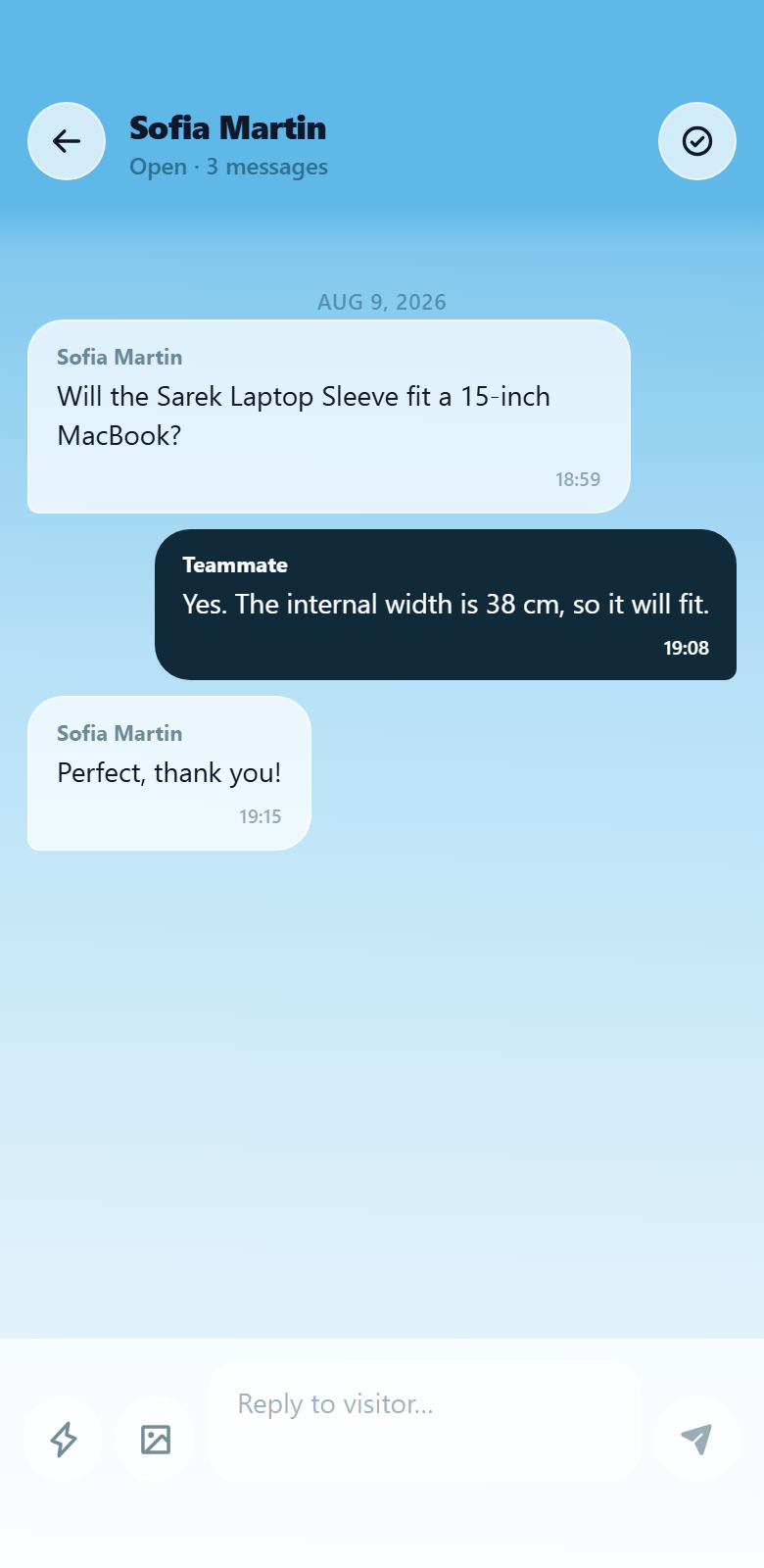
PrestaOne includes the chat widget in the module, so there is no second vendor to sign up with. When a shopper writes, the app sends a push notification and opens the conversation with the product they are looking at attached, next to that customer's order history. Quick replies cover the questions you get every week, and images go both ways.
One deliberate behaviour worth knowing: the widget only appears when someone can actually receive the message. If nobody is connected to that store, it stays hidden rather than collecting questions into a void. See how live chat works in PrestaOne.
What about an AI chatbot?
Chatbots have taken over the PrestaShop chat category in the last two years, and for good reason: they answer at 2am, they never get tired of the delivery-time question, and they cost less than staffing a chat.
They are also confidently wrong about your catalogue in a way that costs returns. The practical split most stores land on: let a bot handle shipping, returns and stock questions, and answer the fit, compatibility and "which one should I buy" questions yourself, because those are the ones that turn into orders.
What to check before you install one
- Where the conversations are stored. If they sit in a vendor account, that belongs in your privacy policy and your data processing records.
- How you get told. A widget nobody notices is worse than no widget, because the shopper waited.
- Whether it knows your catalogue. Answering is much faster when the product is attached to the thread.
- What the shopper sees when you are away. Either set clear office hours or use a widget that hides itself instead of taking messages nobody will read.
- Page weight. A chat script loads on every storefront page, so check it does not slow the store you just optimised.
Which option should you pick?
| Contact form and email | Chat widget from a chat vendor | PrestaOne app | |
|---|---|---|---|
| Answers while the shopper is still there | No, hours later | Yes | Yes |
| Shows what they were looking at | Only if they say so | Page URL, usually | The product, attached to the thread |
| Where you reply from | Your inbox | A separate app or inbox | The same app as your orders |
| Tells you a message arrived | An email, if it is delivered | Depends on the vendor | Push notification in seconds |
| Extra account to manage | No | Yes, with its own plan and data | No |