Manage your entire PrestaShop.
Reply to customers, check stock, update products and prices, or manage an order. Live chat and full PrestaShop management, together in one mobile app.
Live chat & store management
Add a chat widget to your storefront. Reply in PrestaOne and manage orders, products and customers in the same app.
14 days free · No credit card required
A chat widget on every page of your PrestaShop store.
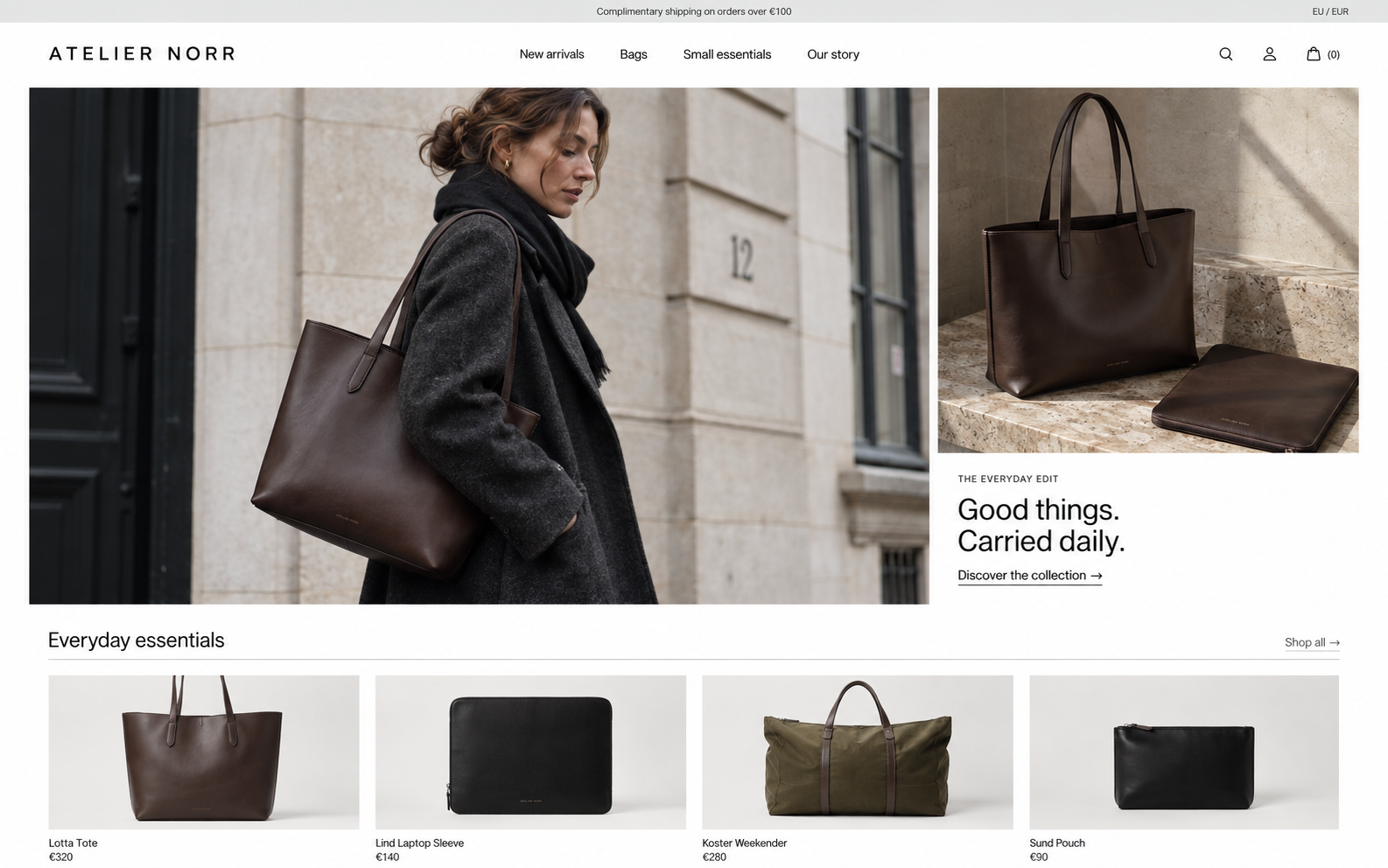
Get full PrestaShop mobile management with your live chat. Orders, products, stock, customers and sales tools, all in one app.
Reply to customers, check stock, update products and prices, or manage an order. Live chat and full PrestaShop management, together in one mobile app.
Check purchase history, change an order’s status and save the customer’s request as an internal note. Handle it all in the app you use to reply.
Recommend products, recover abandoned carts and track sales performance. Live chat comes with your store management tools, without a separate chat subscription.
Built-in features with the standard PrestaShop integration.
| Features | PrestaOnePrestaShop mobile admin | TidioCustomer support | CrispCustomer support | LiveChatCustomer support |
|---|---|---|---|---|
| Storefront live chat | Included | Available | Available | Available |
| Reply from your phone | Included | Available | Available | Available |
| Saved replies | Included | Available | Available | Available |
| PrestaShop context | Full | Limited | Limited | Limited |
| Update order status | Included | Not included | Not included | Not included |
| Save internal order notes | Included | Not included | Not included | Not included |
| Edit products and prices | Included | Not included | Not included | Not included |
| Update product and variant stock | Included | Not included | Not included | Not included |
| Edit customer details | Included | Not included | Not included | Not included |
Get the PrestaOne Mobile Bridge ZIP.
Upload the ZIP in Module Manager and click Install.
Download PrestaOne from Google Play or the App Store, then scan the QR code generated by the PrestaShop module.
Once connected, enable live chat in the module settings to show the widget on your storefront.
No. Live chat is included in PrestaOne alongside order, product and customer management.
Get notified on your phone when a customer starts a conversation. Open PrestaOne to read and reply, with the product attached to the conversation for context.
Set your weekly hours and away message in Back Office. Customers can leave a message outside those hours, and you can reply when you’re available.
Open Customers in PrestaOne and select a customer to see their profile, previous orders, total spend and saved addresses.
Your 14-day trial starts when you connect your first store. It includes live chat and store management. No credit card is required.
Try live chat, order management and customer records with your own PrestaShop store.
Try the full app freeNo credit card required.
Your trial starts when you connect your first store.