PrestaShop abandoned cart recovery in the PrestaOne app
Automatic reminder emails that bring carts back, and a number that tells you exactly how much they earned.
14 days free · No credit card required
You already paid for that customer. Twice.
Once in advertising to bring them to the store, and again in the work that got the product in front of them. Then the cart sits in your Back Office and nothing happens. PrestaShop lists abandoned carts, but it does not chase them: the official Customer reminder module has been archived since 2021, and the paid replacement is another module to buy and configure.
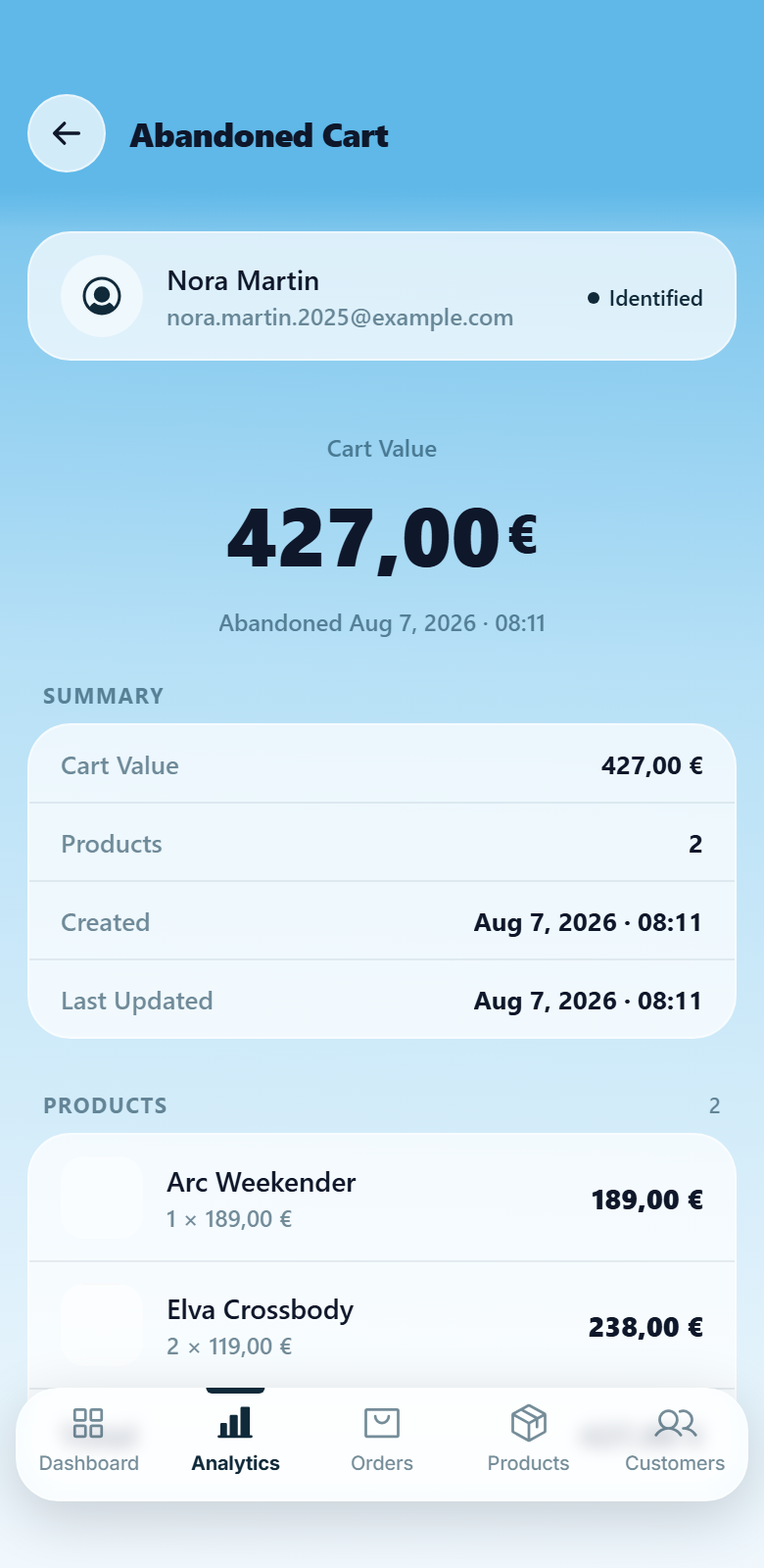
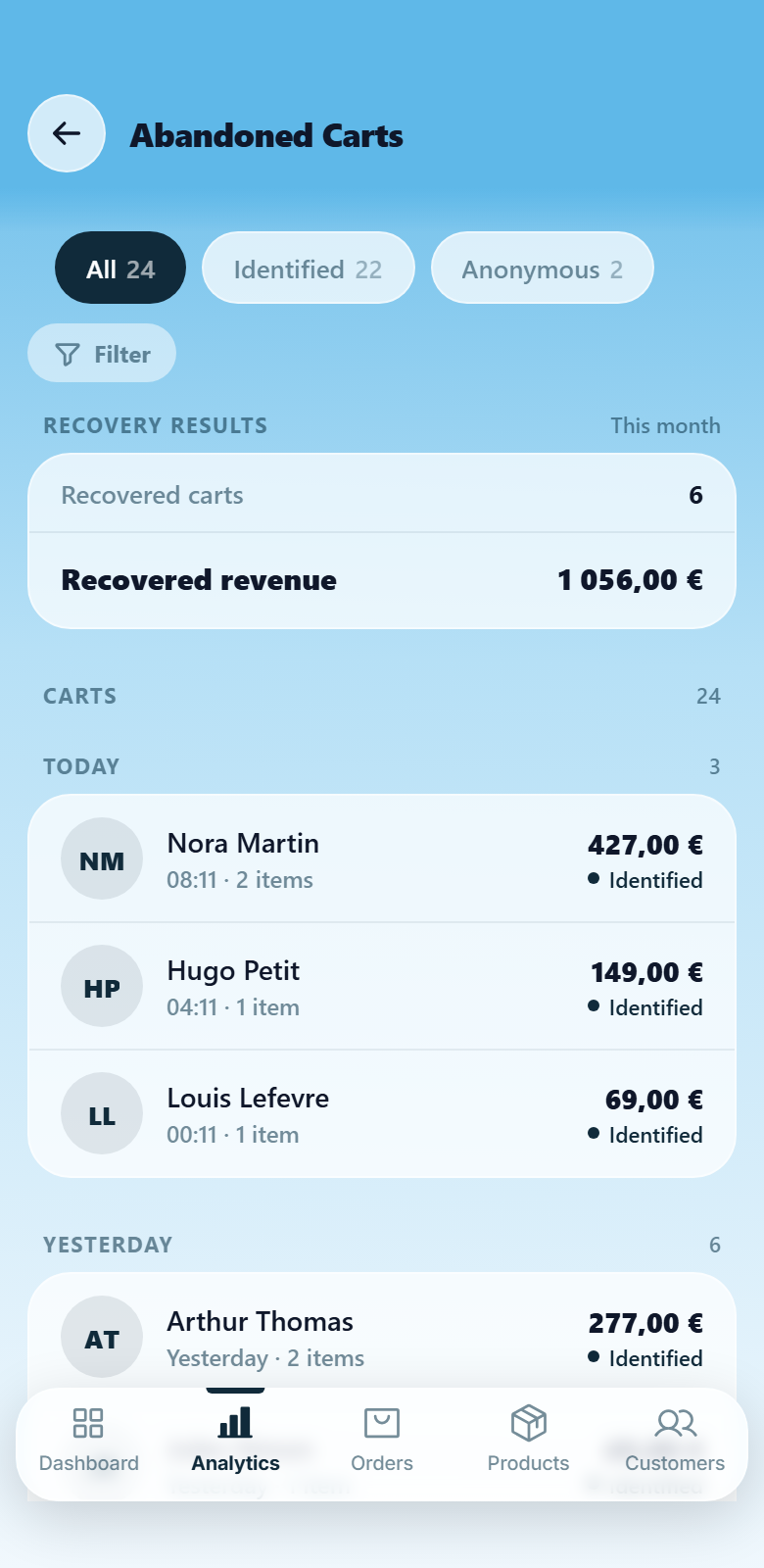
Three reminders, then a number you can trust
The PrestaOne module sends the sequence from your store, so it keeps running whether your phone is on or off. You decide when each email goes out, what it says and what discount it carries, and every one of them is tracked to the order it produced. That is why the app can show recovered carts and recovered revenue as facts rather than as a promise.
Your campaign, your rules.
Set it once and the store keeps working on the carts you would never chase by hand.
First, second and final reminder on your own schedule, with quiet hours so nothing lands at 3am.
Write each email yourself and set its discount, with auto-generated coupons that use your own prefix, validity and minimum order.
Every reminder is tracked to the order it produced, so recovered revenue is measured, not estimated.
Cart recovery in PrestaShop: your options.
Three ways to bring a cart back, compared on the things that decide whether it actually happens.
| By hand | Customer reminder (official, free) | PrestaOne app | |
|---|---|---|---|
| Sends without you remembering | No | Yes, with a cron job | Yes |
| Several reminders per cart | Up to you | One follow-up | First, second and final |
| Discount you set per reminder | Manual vouchers | One fixed voucher | Yes, your own amount on each email |
| Tells you what it earned back | No | No | Recovered carts and revenue in the app |
| Still maintained | n/a | Archived since 2021 | Yes, PS 1.7, 8 and 9 |
Cart recovery, answered.
Does PrestaShop recover abandoned carts on its own?
No. PrestaShop lists abandoned carts in the Back Office, and the official Customer reminder module has been archived since 2021. Sending a reminder sequence and measuring what it earns back is what PrestaOne adds.
How many reminders does the PrestaOne app send?
Up to three per cart: a first, a second and a final email. Each one goes out at the time you choose, with your own text and the discount you set.
Do I need my phone online for reminders to go out?
No. The PrestaOne module sends the reminders from your store, so the sequence keeps running while your phone is off. You open the app to set it up and to see what it recovered.
How does the PrestaOne app know a cart was recovered?
Every reminder is tracked to the order it produced, so the recovered carts and recovered revenue you see are measured, not estimated. Those figures start on install day, because PrestaShop never recorded them before.
Turn abandoned carts into paid orders.
Start your free trial14 days free · No credit card required