Out of the box PrestaShop can only email you about new orders, and that email pipeline breaks often enough to fill forum threads for a decade. Fix Mail Alerts with SMTP for a free baseline, use SMS if you do not carry a smartphone, and use the PrestaOne app for push notifications that open the order in one tap.
What PrestaShop gives you out of the box
One channel: email. The built-in Mail Alerts module sends a message for every new order. There is no built-in push, and PrestaShop's own help center confirms there is no official app for managing the Back Office. Everything else comes from modules.
Option 1: Mail Alerts, set up properly
Install and configure the built-in module first, it is free:
Enable new order notifications and add your address. Then move the sending off default PHP mail and onto authenticated SMTP, or your alerts will drift into spam:
When Mail Alerts still stay silent, it is almost always one of these:
- An upgrade broke it. Updates can leave the module outdated or detach its hooks. Reinstalling it usually brings the emails back.
- Spam filters ate it. Default PHP mail is distrusted. Use SMTP from your own domain with SPF and DKIM records.
- The mail queue is slow. Shared hosting can hold a message for many minutes. The order is real time, the alert is not.
- The address is in the wrong field. The alert recipient lives inside the Mail Alerts module, not in the store contact settings.
This is not a rare experience. The same complaint has been resurfacing in the official forums for over a decade, across every PrestaShop generation:
- 2013“Push Notifications Of New Orders” requested as a paid job
- 2014“I can't receive new order, customer notification email”
- 2019“Admin Mail Alert for new order not working” on PS 1.7.5
- 2021“New_order notification not working”, owner spent two days on it
- 2022“Push notification (WhatsApp??) on phone, new order”, still no push answer
- 2024“Mail Alert module doesn't send mail for new order” on PS 8.1.3
Why email alone keeps failing you
Even a perfectly configured email alert is slow by nature, because inboxes are batch surfaces: you see the mail when you next look at the mail. Push notifications interrupt in the moment. The channel physics are not close:
Option 2: SMS modules
Several Addons modules send an SMS for each order, usually through Twilio or a local gateway. SMS reaches any phone instantly, smartphone or not, which makes it a fair choice for owners who want alerts on a basic handset. You pay per message, the setup needs API credentials from the SMS provider, and the text is all you get: there is no order to open, no status to change.
Option 3: push notifications with the PrestaOne app
The missing piece is an app that treats you, the store owner, as the person to notify. The PrestaOne module pairs with the PrestaOne app on your phone: install the module, scan a QR code, and the store is connected. No webservice API keys, no manual setup. Every new order then arrives as a push notification within seconds, with the customer, the total and the item count. Tap it and the order opens in the app, ready to process.
378,00 € · 2 items
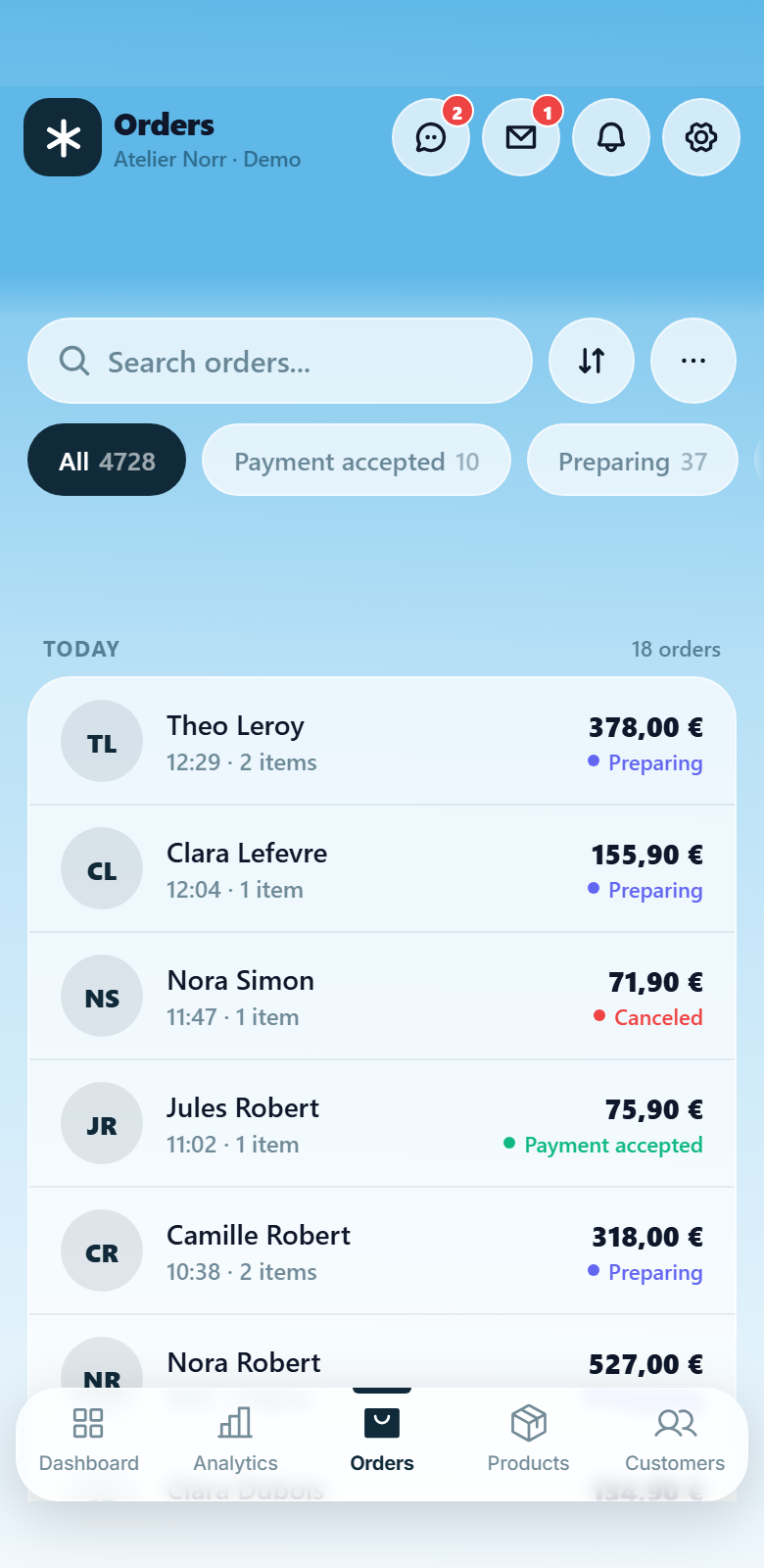
The honest trade-offs: you need an iOS or Android phone, and after the 14-day trial PrestaOne is a paid subscription. In return the same app also gives you live chat, sales statistics, abandoned cart recovery and many other handy features to manage your store and business. See how order notifications work in PrestaOne.
Which option should you pick?
| Mail Alerts (email) | SMS modules | PrestaOne app | |
|---|---|---|---|
| Arrives on your phone instantly | No, inbox delays | Yes | Yes, push |
| Survives PrestaShop upgrades | Breaks often | Depends on the module | Yes, one module for PS 1.7, 8 and 9 |
| Extra cost per message | No | Per-SMS fees | No |
| Opens the order in one tap | No | No | Yes |